
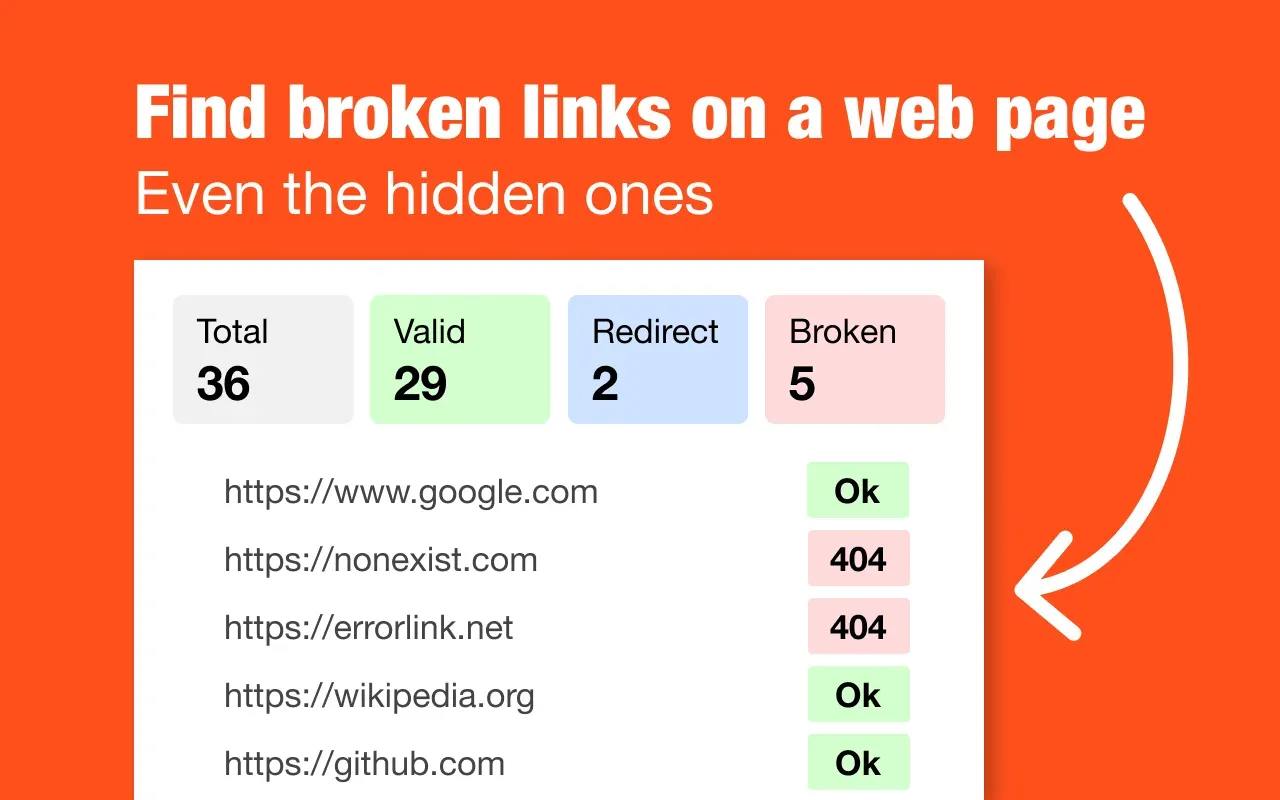
Broken Link Checker is a Chrome extension that scans every URL on the current page and highlights results with color codes — green for working links, red for broken, blue for redirects. No setup, no account, no external service required. All checks run locally in your browser with zero data collection. Built for SEO specialists, developers, QA testers, and content teams who need to catch dead links before they damage rankings or frustrate users. One click to scan, one click to export a full CSV report with link text, URL, HTTP status code, and status description. What makes it different from other link checkers: — Runs entirely in the browser. No server-side processing, no data leaves your machine. Most competitors send your URLs to their servers. — Checks everything on the page, not just anchor tags. Navigation menus, meta links, onclick handlers — nothing is missed. — Visual highlighting directly on the page. You see broken links in context, not in a separate dashboard. Makes it easy to find and fix issues without switching between tabs. — Lightweight and fast. 247KB extension size, no background processes, no performance impact when idle. Real outcomes: users report cutting link audit time from days to hours after site migrations. Content teams catch outdated references before publishing. SEO agencies use CSV exports for client reports.
Broken Links Checker
`Chrome extension that scans every link on the current page and highlights results with color codes. Green for working, red for broken, blue for redirects. Export to CSV for SEO audits. No setup, no account, no tracking. Works entirely in your browser.`
Information
- Websitebroken-links-checker.com
- Published2026/04/10
- Domain Rating8
Summarize with AI





Toolfio Review
We reviewed Broken Links Checker in detail — pros, cons, and verdict included.
Read Review
Sponsored
CoveragePush.com
Get featured on 500+ high-authority publications. Boost your brand visibility and domain authority.

Sponsored
Redditoro.com
Turn Reddit into customers and visibility.

Sponsored
supastarter.dev
The Next.js boilerplate to build production-ready SaaS apps fast.
Categories
List Your Product
Submit your website to get discovered by thousands of potential customers and boost your SEO.
Get ListedAlternatives to Broken Links Checker

Maeve Social
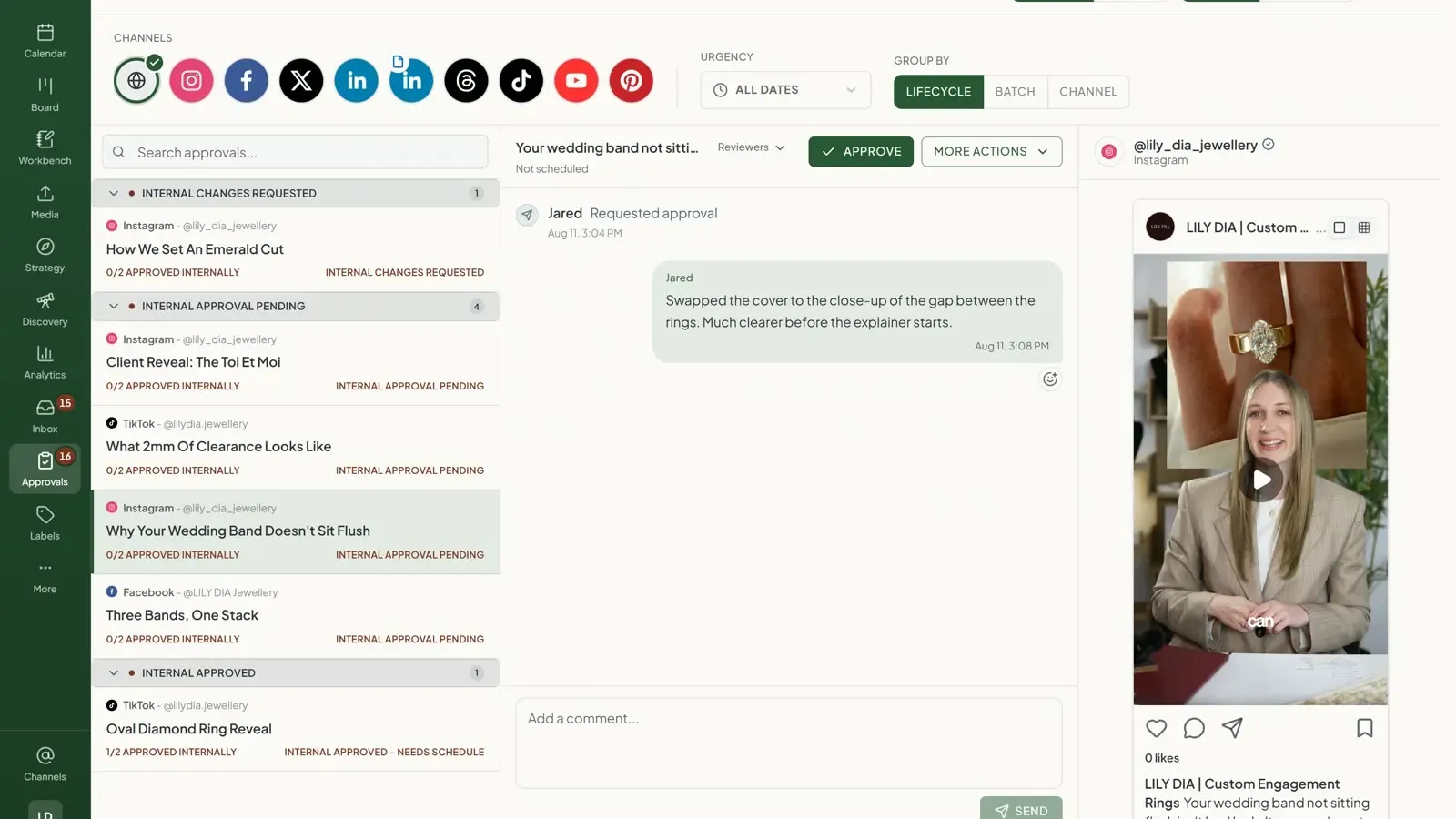
All-in-one social media project management with no-login client approvals

LeLiveBoost
Chrome extension for Whatnot sellers with AI size detection, buyer CRM, live analytics, and automated DM campaigns.
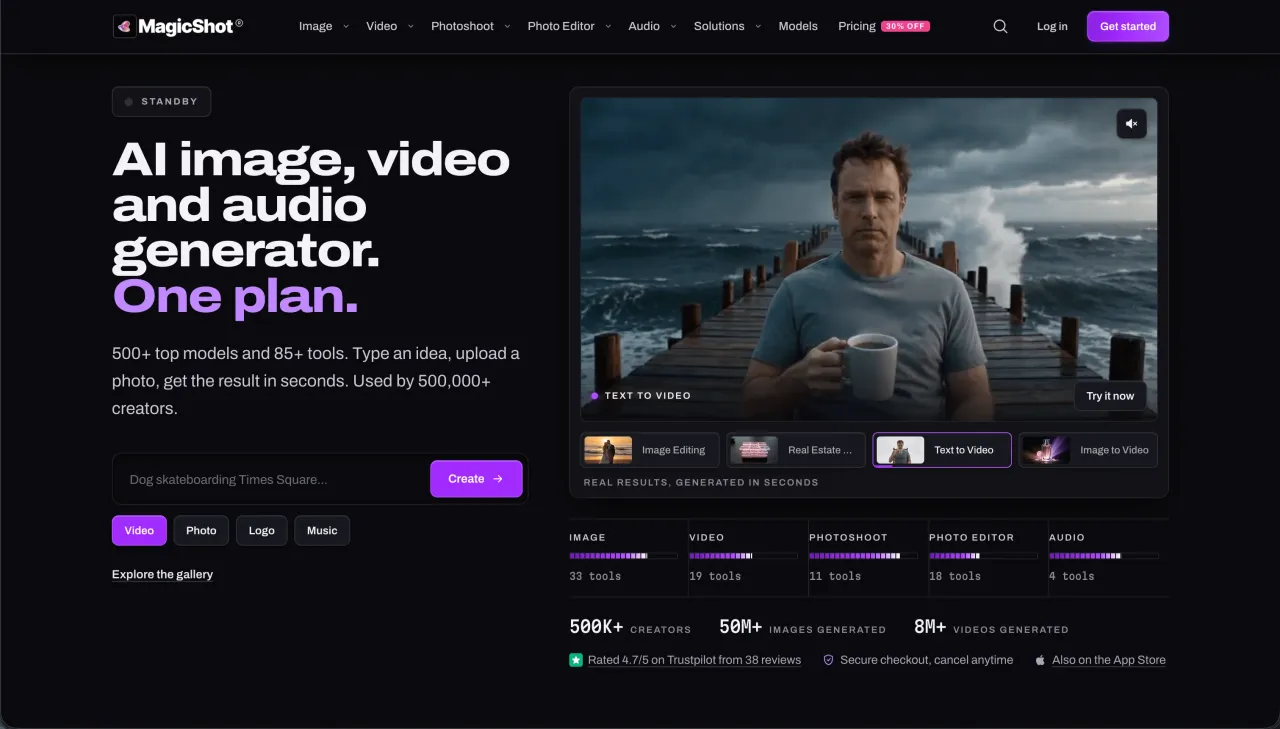

MagicShot AI
All-in-one AI creative studio with 500+ models and 85+ tools for image and video generation, AI photoshoots, photo editing and audio, under one subscription.
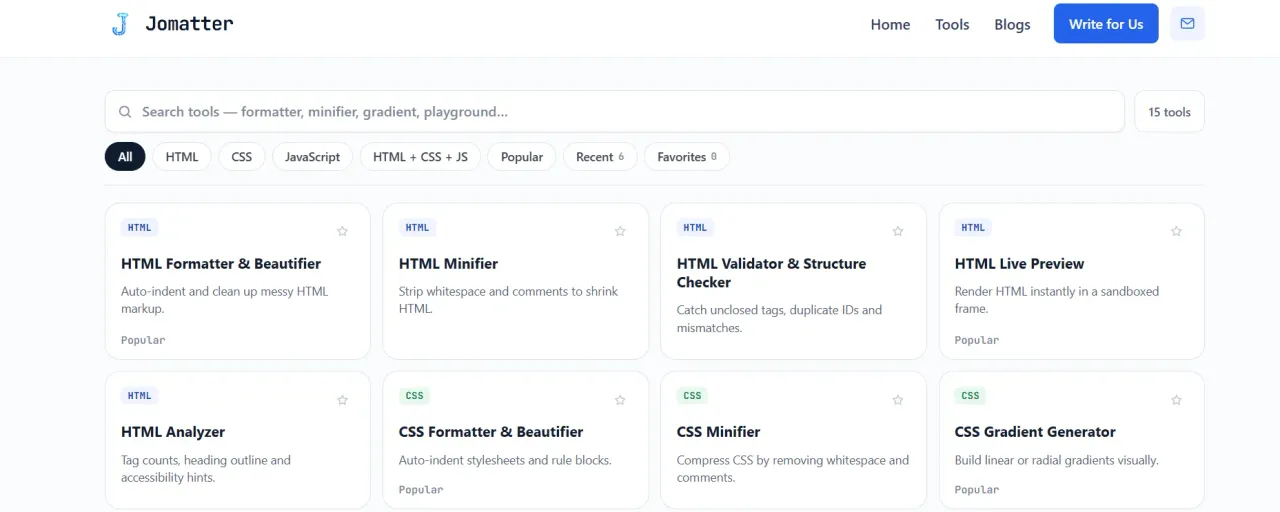

JoMatter
Jomatter provides free online tools for HTML, CSS, and JavaScript developers, helping simplify common web development and coding tasks.
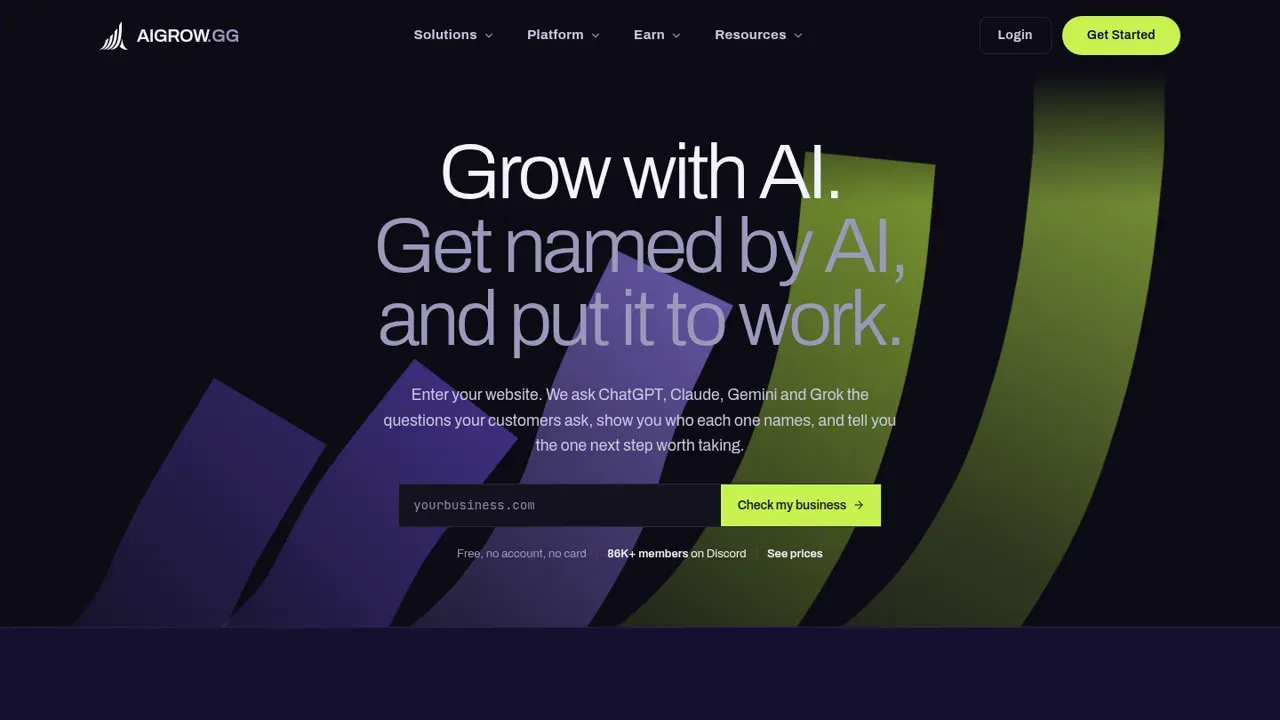

AIGROW
AIGROW checks whether ChatGPT, Claude, Gemini and Grok recommend your business, then does the work to get you named. Free scan, no signup needed.
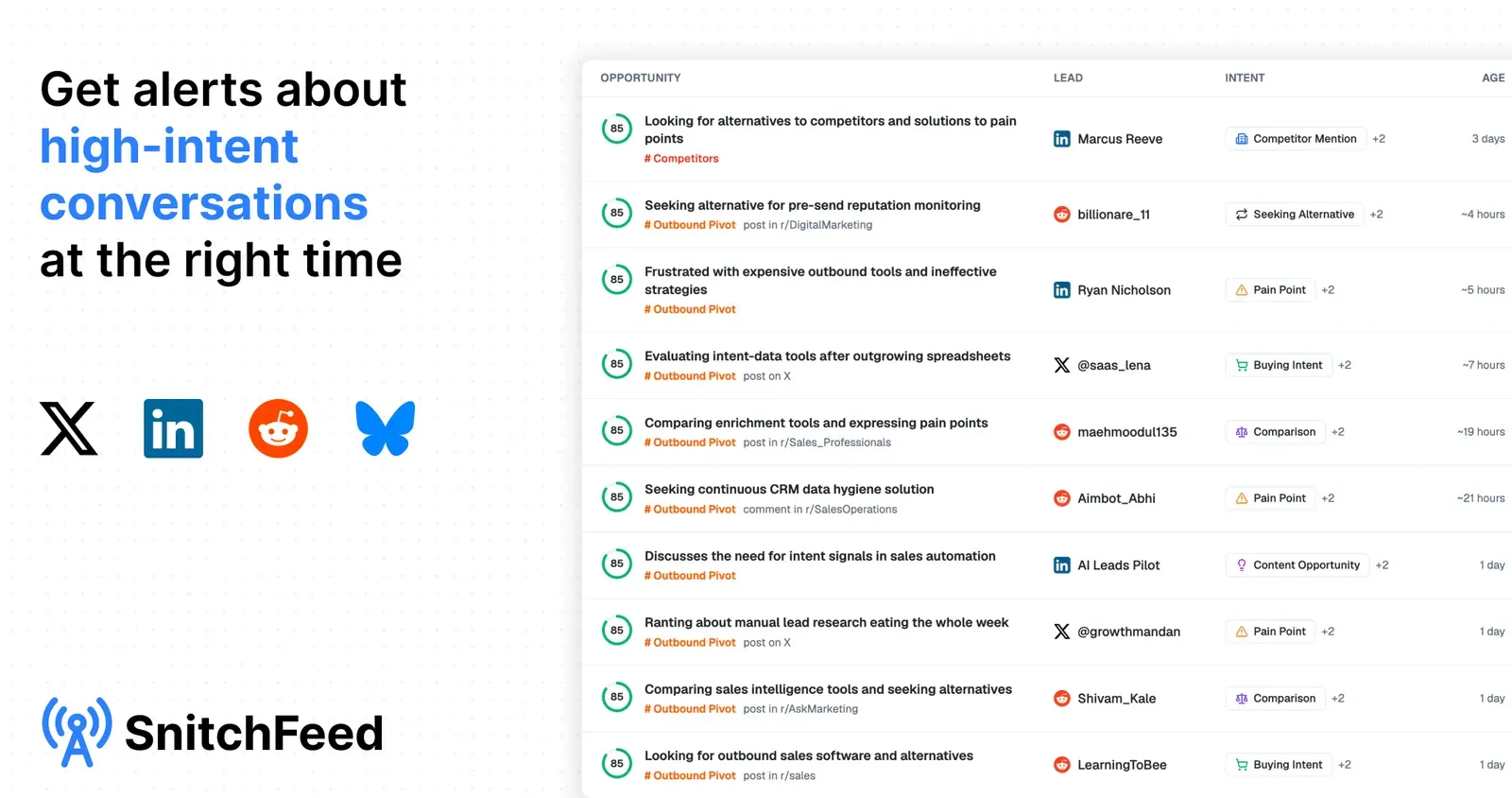

SnitchFeed
SnitchFeed is an AI-powered social listening platform that surfaces high-intent leads and competitor mentions across LinkedIn, X, Reddit, and Hacker News in real time.