
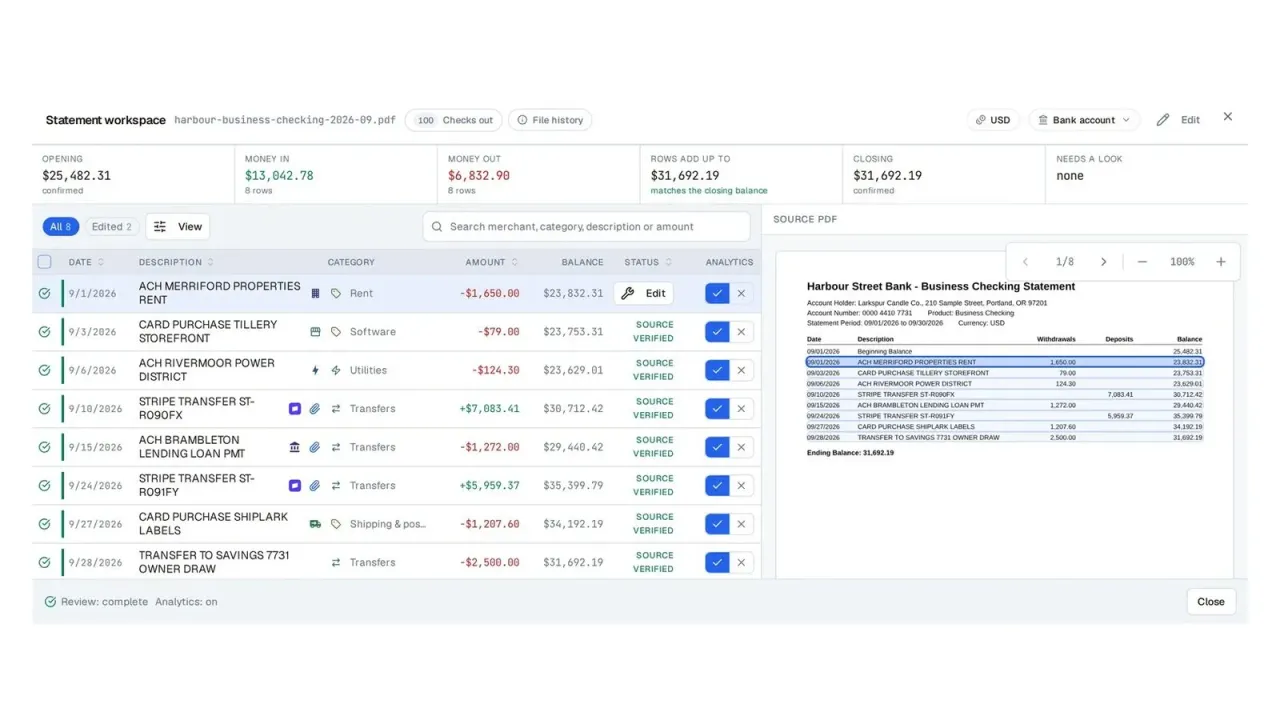
Bankflow turns the financial documents you already have into clean, categorized data. There is no bank account to link and no credentials to hand over. You upload a statement, an invoice or a receipt, forward it to your private import address, or drop it in a watched cloud folder, and what it contains comes back structured and checked. Bank statements come back as transactions with dates, descriptions, amounts and running balances. Invoices and receipts come back as vendor, date, line items, tax and totals, from a PDF or a phone photo. Every statement is checked against itself: the balances have to close against the transactions, the opening balance has to meet last period's closing, and anything uncertain is flagged for review instead of guessed. Export to CSV, Excel, QBO, OFX or the import file Xero, Sage or NetSuite expects, or send bills and expenses to QuickBooks Online and Xero. For bookkeeping and accounting firms, each client gets a workspace and one link to send their documents, with reminders until nothing is missing, and each month closes with the checks in view, a preparer and a reviewer.

Bankflow
Bankflow turns bank statements, invoices and receipts into checked, categorized data, and runs each bookkeeping client's month-end from it. Free to start.
About Bankflow
This review was draftedwith AI from the product's website and the details its maker submitted, then checked by the Toolfio team. How we review
Information
- Websitebankflow.app
- Published2026/10/25
- Domain Rating20
Summarize with AI





Sponsored
CoveragePush.com
Get featured on 500+ high-authority publications. Boost your brand visibility and domain authority.

Sponsored
Redditoro.com
Turn Reddit into customers and visibility.

Sponsored
supastarter.dev
The Next.js boilerplate to build production-ready SaaS apps fast.
List Your Product
Submit your website to get discovered by thousands of potential customers and boost your SEO.
Get ListedAlternatives to Bankflow


BudgetPixel AI
AI creative studio for finished videos, ads and designs using 100+ image, video and music models on one shared credit system.

Site Checkups
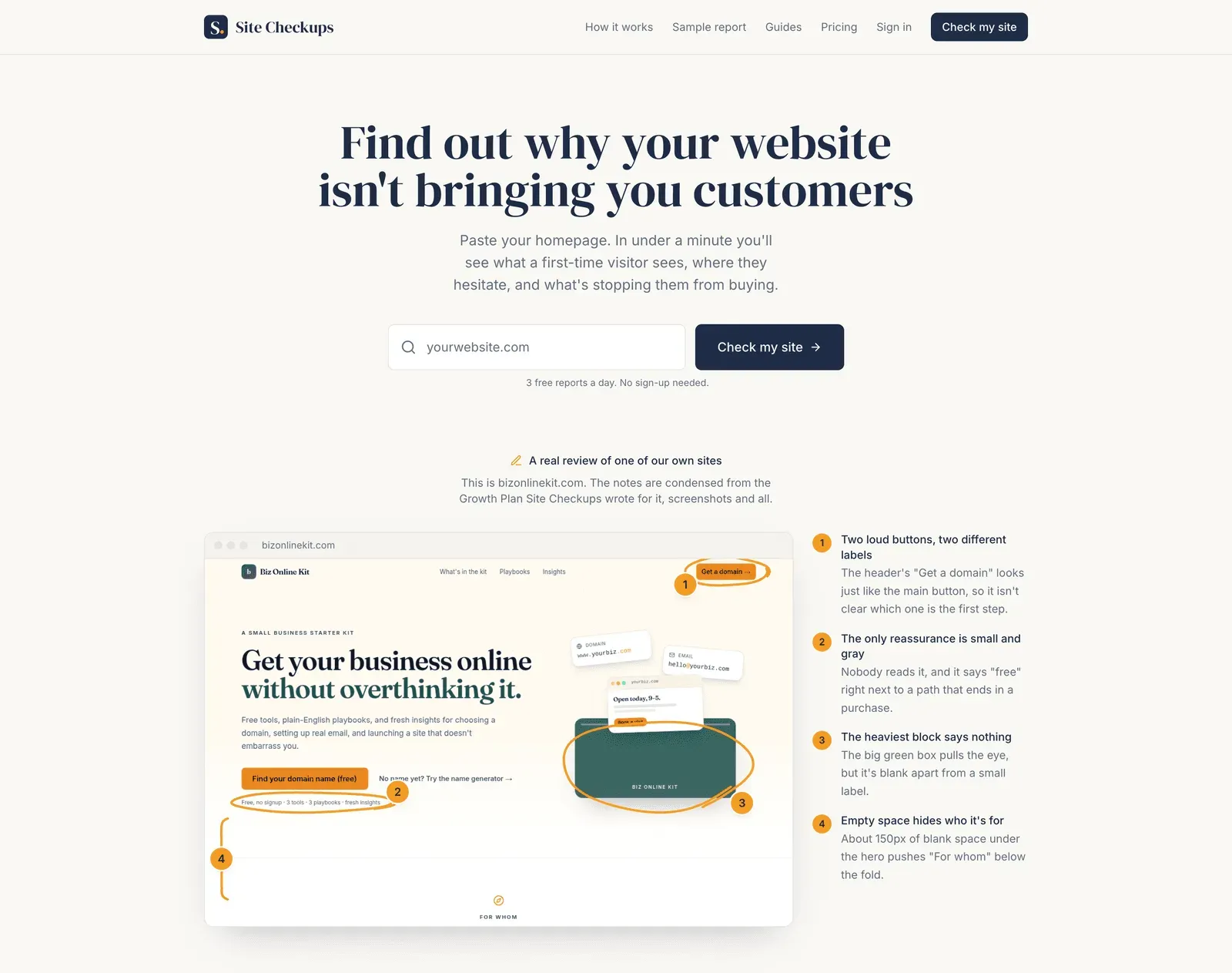
Site Checkups provides a free plain-English homepage diagnosis of conversion blockers and trust gaps, with paste-ready fixes in a one-time $19 Growth Plan.

AI Tool Compare
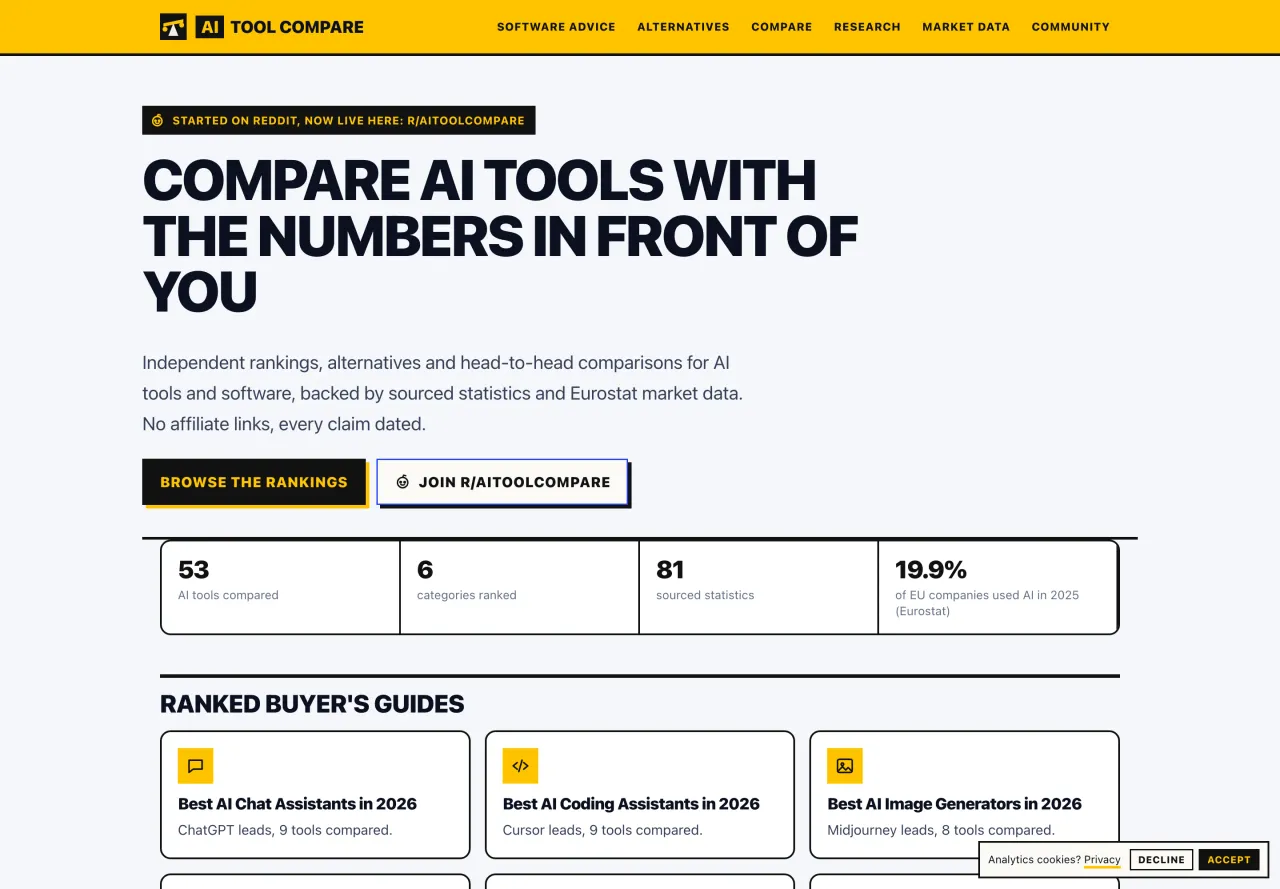
Compare AI tools through independent rankings, head-to-head comparisons, software alternatives, sourced statistics, and European AI market research. Find transparent, fact-based insights to make informed software decisions.


AIGROW
AIGROW checks whether ChatGPT, Claude, Gemini and Grok recommend your business, then does the work to get you named. Free scan, no signup needed.

FormFlux
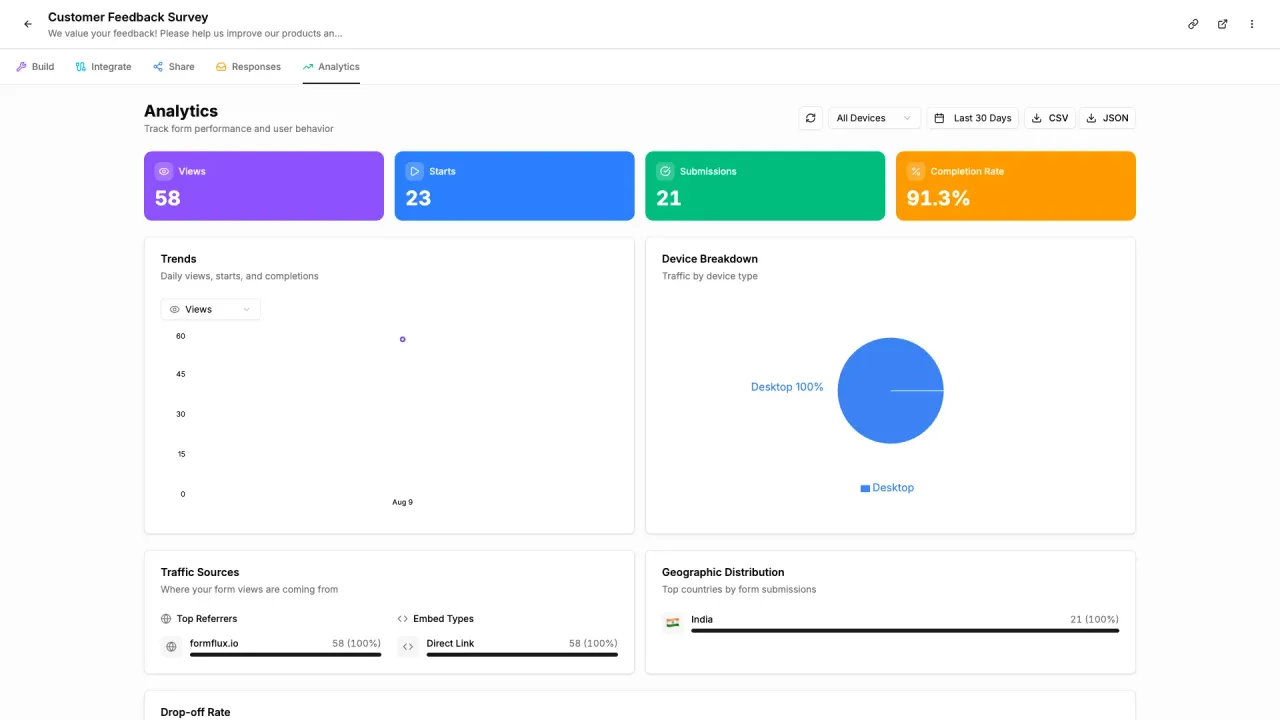
FormFlux is a simple form builder. You create a form, share it, collect responses, and download the data. It includes an AI form generator, a drag-and-drop builder, and conversational forms, without funnels or extra tooling around the form itself.

LeLiveBoost
Chrome extension for Whatnot sellers with AI size detection, buyer CRM, live analytics, and automated DM campaigns.