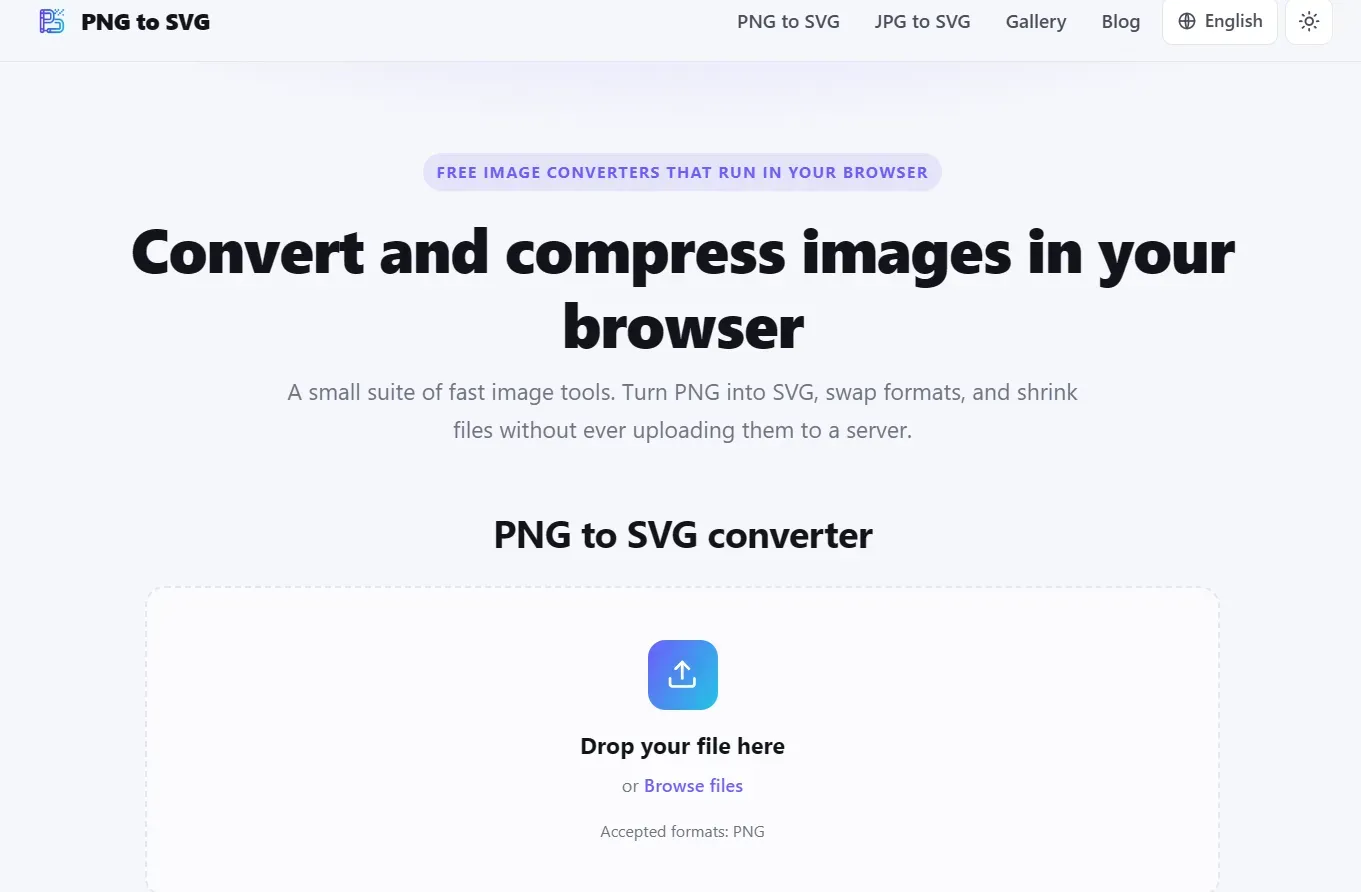
Convert PNG and JPG images to SVG, compress images, and switch between popular formats directly in your browser. No uploads, no signup, and no watermarks.
Submit your website to get discovered by thousands of potential customers and boost your SEO.
Get ListedPNG to SVG is a free, privacy-focused collection of browser-based tools for converting, vectorizing, and compressing images. It is designed for anyone who needs a fast and straightforward way to work with common image formats without installing software, creating an account, or uploading files to a remote server.
The main PNG to SVG converter offers two different ways to create an SVG file. Vector tracing analyzes the source image and converts its visible shapes and colors into scalable vector paths. This mode is useful for logos, icons, illustrations, signatures, simple graphics, and other images that need to remain sharp at different sizes. The embedding mode places the original raster image inside an SVG container, preserving its exact appearance when true vectorization is not required.
In addition to PNG-to-SVG conversion, the website includes several related image tools. Users can convert JPG and JPEG images to SVG, transform JPG files into PNG, and convert modern WebP images into the widely supported PNG format. Dedicated compressors are also available for SVG, PNG, and JPG files, helping users reduce file sizes for websites, applications, email attachments, presentations, and digital publishing.
One of the most important differences between PNG to SVG and many other online converters is how files are handled. Image processing takes place locally inside the user’s browser. Files do not need to be transferred to an external processing server, which provides a more private experience and can also make conversions faster by eliminating upload and download waiting times. This local-first approach is particularly valuable when working with personal graphics, unpublished designs, internal business assets, screenshots, or other files that users may not want to share with a third party.