Overview
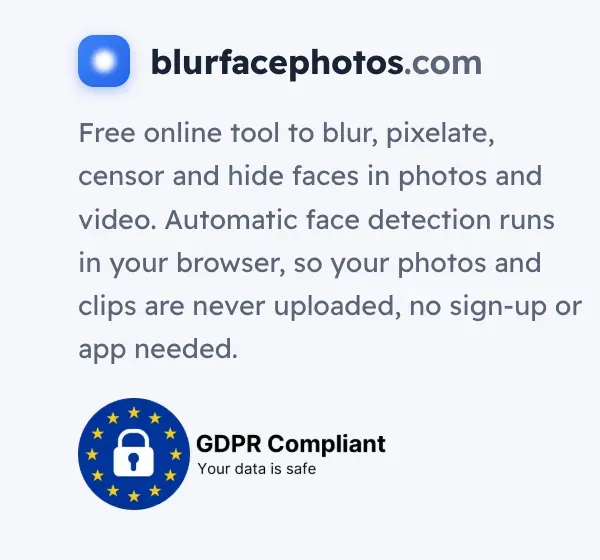
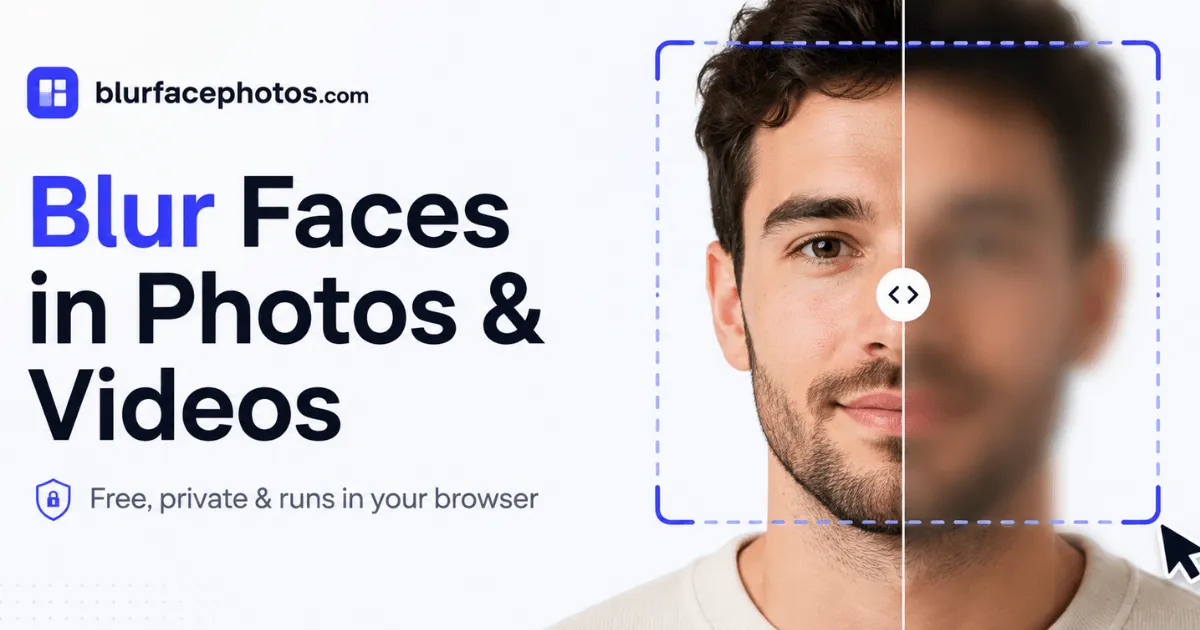
BlurFacePhotos (blurfacephotos.com) is a web-based utility designed to help individuals and organizations anonymize faces in images and video clips. In an era where privacy concerns have become mainstream, most online face-blurring tools rely on server-side processing, which inherently requires uploading sensitive visual data to external infrastructure. BlurFacePhotos differentiates itself by performing all detection and redaction entirely within the browser's JavaScript engine, meaning photos and videos never leave the local device. This architectural choice positions the product as a strong contender for privacy-conscious users, content creators, journalists, and businesses that handle personal data under GDPR or similar regulations.
The platform emerged from a straightforward need: quickly hiding identities in visual content without the friction of account creation, file transfers, or complex desktop software. It combines automatic face detection with a user-friendly editor that works across desktop and mobile browsers. The free tier covers basic photo blurring with up to five faces per image, while a premium subscription unlocks video export, unlimited batch processing, and full-HD resolutions. The site also offers an API in development for scalable, server-side anonymization.
With a clean, minimalist interface and an explicit comparison to "typical online tools," BlurFacePhotos markets itself as the private alternative to mainstream editors like Photoshop or CapCut, but without the steep learning curve. The product is currently ad-supported at the free level, which is a trade-off users should weigh against the convenience of zero-cost usage.
Key Features
On-Device Processing: The core differentiator is that all face detection and blurring algorithms run locally in the browser. This ensures that sensitive images and videos are never transmitted over the internet, addressing a fundamental privacy gap in many competing tools.
Multiple Anonymization Effects: Beyond the standard blur, the editor offers pixelation, mosaic, black or white bars, noise, color inversion, and emoji stickers. This variety gives users flexible options for different contexts, from soft smoothing to heavy censorship.
Selective Face Regions: Users can target specific facial areas, such as the eyes, mouth, or the entire face. This granularity is useful for applications where only certain identifying features need to be obscured, preserving the subject's remaining expression.
Automatic Face Detection: The system detects up to five faces per image or video frame. This automation eliminates the need for manual selection, making the tool accessible to non-technical users who may not know how to use editing software.
Video Face Tracking: For premium users, the Video tab processes MP4 or MOV files, tracking faces frame by frame and applying the chosen effect throughout the entire clip. The export is provided in WebM format, and full-HD/4K resolutions are available on paid tiers.
Live Camera Mode: An integrated camera tab allows real-time face blurring during video capture or streaming. This feature is particularly useful for live broadcasts or video calls where participants want to conceal their identity reactively.
Batch Processing: The free plan supports batch processing of up to five images simultaneously, while premium removes this cap. This efficiently handles workflows that require anonymizing entire photo sets, such as event photography or research documentation.
How It Works
Using BlurFacePhotos is remarkably straightforward. The landing page presents a drop-zone widget where users can either drag and drop local files or click to browse. For photos, supported formats include JPG, PNG, WebP, and BMP. Once an image is loaded, the application runs a face detection algorithm directly in the browser, highlighting detected faces with bounding boxes. The user then selects a target area (eyes, mouth, or entire face) and chooses an effect from a carousel of styles, including blur, pixelate, black bar, and emoji. Adjustments are applied instantly, and the result can be downloaded as a PNG file with a single click.
For videos, the workflow begins similarly, by uploading an MP4 or MOV file. The tool auto-processes every frame, tracking faces even as they move or change scale. The user previews the anonymized clip, selects export parameters, and receives a WebM video. Notably, no account or sign-up is needed for photo processing, reducing friction for one-off tasks.
The entire experience is designed with mobile and desktop parity in mind; users can access the same functionalities from any modern browser without installing software. The site also emphasizes that nothing is uploaded, and it includes a transparent comparison table contrasting its own privacy stance with typical online tools that often require server uploads.
Use Cases
Journalists and Documentarians: When covering protests, interviews, or sensitive events, reporters must protect the identities of sources and bystanders. BlurFacePhotos allows quick on-location anonymization of stills and video, ensuring a photo can be published without compromising anyone's safety. The local processing means confidential footage never leaves the journalist's device, a crucial consideration in high-risk environments.
Social Media Managers and Content Creators: Content creators frequently share images that include incidental people who have not consented to be featured. Using this tool, they can blur faces in group selfies or event shots before posting on Instagram or TikTok, avoiding potential privacy complaints. The emoji sticker option adds a playful touch without appearing overly intrusive.
GDPR Compliance for HR Teams: In corporate settings, internal training materials or disciplinary documentation often contain employee images. BlurFacePhotos can redact faces to ensure compliance with data protection regulations. The on-device processing adds an extra layer of security, as sensitive HR files are not handled by third-party cloud services.
Academics and Researchers: Studies that involve human participants typically require anonymized imagery for publication. Researchers can use batch processing to anonymize hundreds of photos in one session, significantly cutting down the time spent in traditional editors. The free batch feature (5 images) is adequate for pilot studies, and the API could eventually enable automated pipelines.
Video Producers: For documentary filmmakers or vloggers who record in public spaces, blurring the faces of passersby is often necessary to comply with privacy norms. The video tracking automatically follows faces throughout clips, eliminating the tedious frame-by-frame effort that would otherwise be required in professional editing suites.
Pricing & Value
The platform uses a freemium model with three tiers. The Free plan is ad-supported but includes unlimited photo blurring, pixelation, and other effects for up to five faces per image, with batch processing capped at five photos. This tier imposes no watermark and requires no sign-up, making it genuinely useful for personal, occasional use.
The Premium plan costs $4.99 per month when billed annually (or $8.99 monthly) and removes advertisements, unlocks video blurring with unlimited exports, enables full-HD and 4K video output, and lifts the batch cap. It also grants a commercial-use license, which is essential for professionals who monetize their content. The exact pricing details can be reviewed on the pricing page.
A third tier, API & Business, is listed as "coming soon" with a planned starting price of $49, aimed at developers needing bulk processing via REST API. While the pricing seems reasonable for the privacy and convenience offered, the free tier's facial detection limit of five faces may be restrictive for densely populated group shots. Nevertheless, the free tier is a solid entry point, and the premium cost is competitive with other specialized privacy tools.
Final Verdict
BlurFacePhotos addresses a genuine need in the privacy-centric digital landscape. Its strongest assets are the on-device processing model, which eliminates the trust barrier inherent in cloud-based upload tools, and the intuitive editor that makes face anonymization accessible to non-technical users. The range of effects—from blur to emoji—covers most common use cases, and the live camera and video tracking features add significant value for content creators.
However, there are trade-offs. The free version contains ads, which may detract from the smooth experience, and the five-face limit could be a bottleneck for larger images. Video support is entirely gated behind the premium subscription, and the output format for video is WebM, which may not be compatible with every editing platform. Additionally, since all processing happens client-side, performance depends heavily on the user's device hardware; older computers may experience slower rendering.
Overall, BlurFacePhotos is a well-executed solution for privacy-focused individuals and organizations looking to anonymize visual content quickly. For those who prioritize data security and want a simple tool that avoids the privacy compromises of typical online editors, it warrants a place in the toolkit. The free tier allows hassle-free testing, and the FAQs and features overview provide ample detail to decide if the premium upgrade is worthwhile.