
4 Descript alternatives worth a look in 2026
Descript is a video and podcast editor that edits media by editing its transcript.
Creators who mainly need clips, captions, dubbing or transcripts look for tools that do that one thing faster.
The 4 tools below are live listings on Toolfio, chosen by hand because each one covers a specific part of what Descript does — not because they share a category tag. Every pick comes with the reason it made the list, a screenshot, and what its own listing says about it. 3 of them have a free tier.
Which Descript alternatives are worth trying?
| Tool | Replaces Descript for |
|---|---|
| 1. Subclip | Finds your best moments, adds captions, dubs into 20+ languages and cleans audio. |
| 2. BlitzReels | Turns long-form video into branded short clips for social media. |
| 3. Speechyou | Transcribes voice notes, meetings and audio in 1,700 languages. |
| 4. ScreenBuddy | Screen recordings that look professional in clicks. |
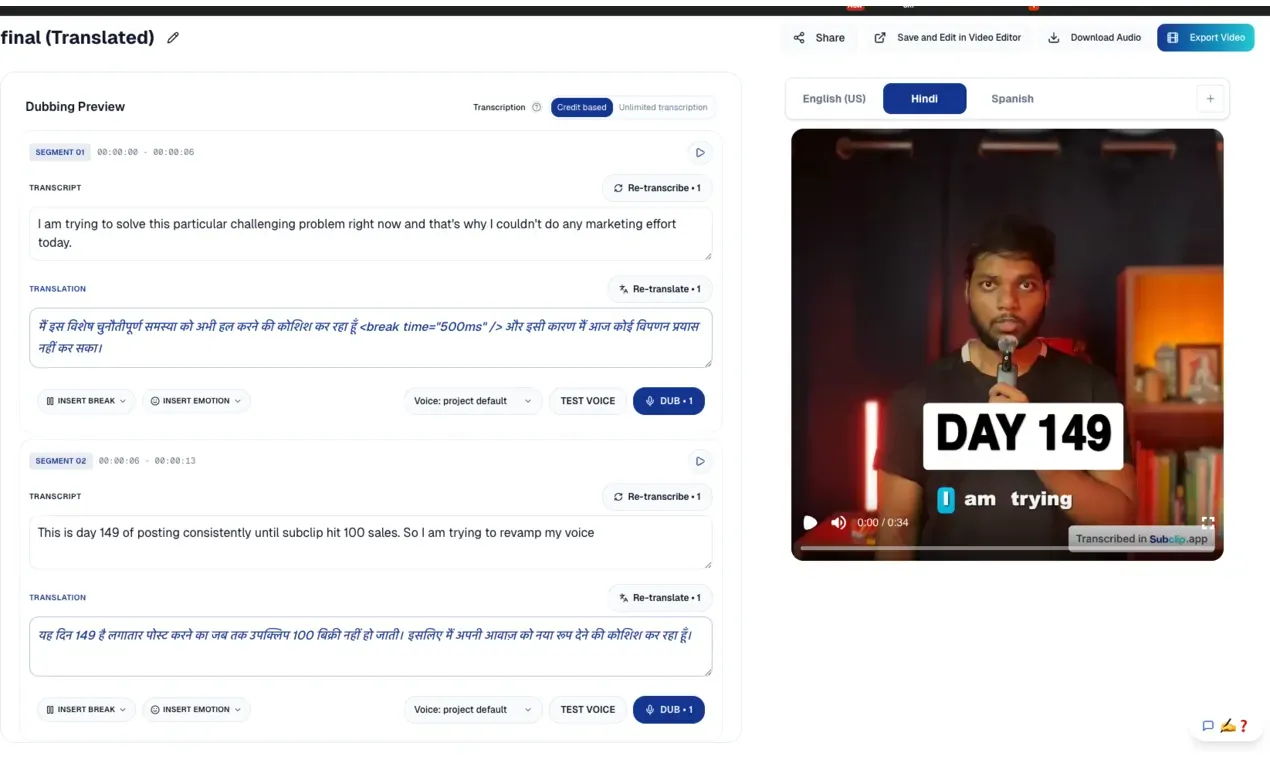
1. Subclip
Descript alternative for: Finds your best moments, adds captions, dubs into 20+ languages and cleans audio
Why it is on this list: Finds your best moments, adds captions, dubs into 20+ languages and cleans audio.
Subclip is an AI-first video editing platform built for creators, podcasters, coaches, agencies, and teams who want to ship more content in less time. Instead of scrubbing timelines and manually exporting endless versions, you work from a single browser-based workspace that handles clipping, subtitles, dubbing, motion design, and publishing.
The platform automatically scans your long-form content to detect high-energy moments, punchlines, and key emotional beats, then turns them into short, high-retention clips optimized for social. You can generate unlimited dynamic captions with one click, customize fonts and layouts, and keep your content on brand without opening a traditional NLE.

2. BlitzReels
Descript alternative for: Turns long-form video into branded short clips for social media
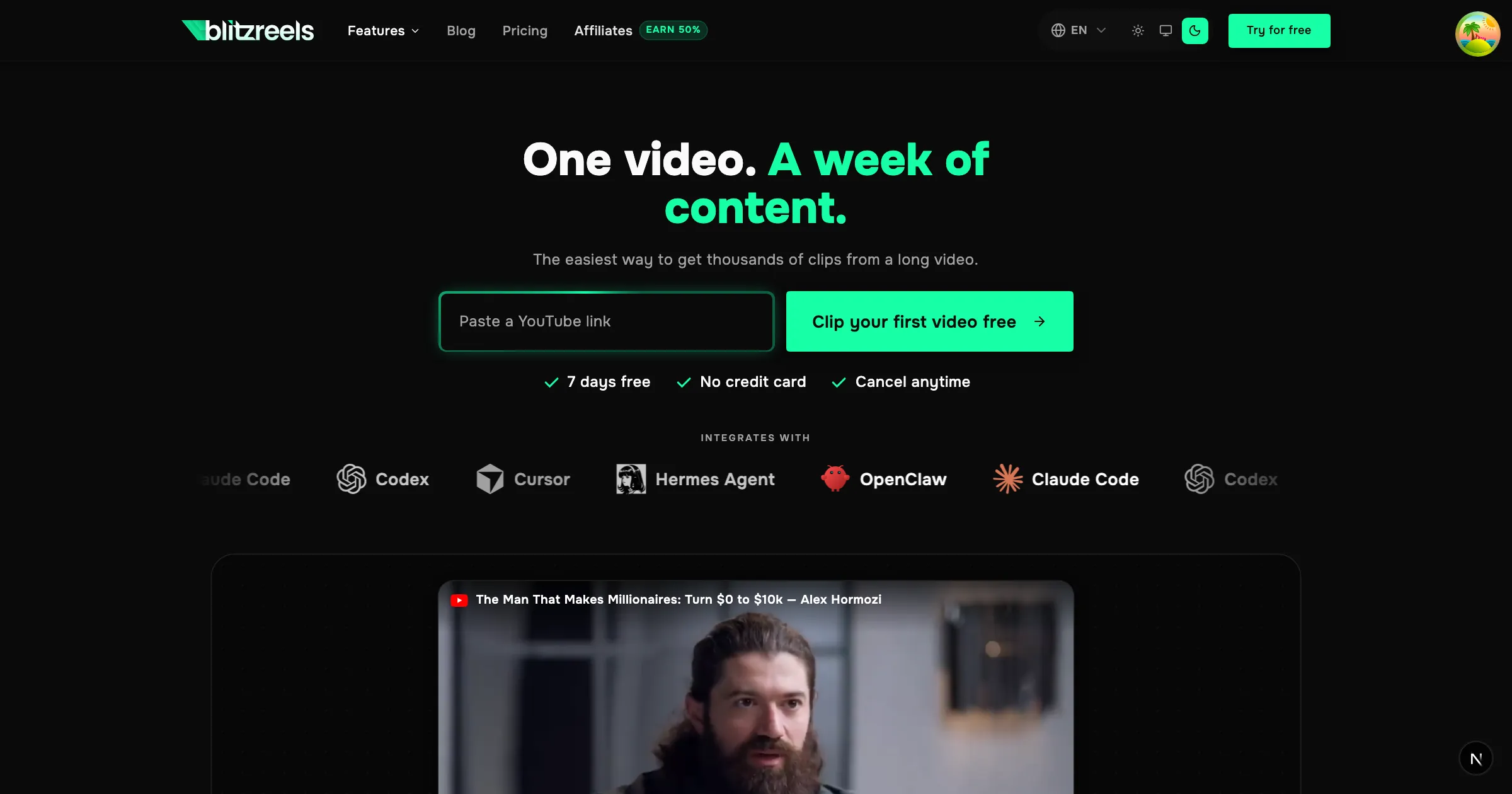
Why it is on this list: Turns long-form video into branded short clips for social media.
BlitzReels is an AI-driven video repurposing platform designed to convert long-form content—including YouTube videos, Loom recordings, webinars, podcasts, and tutorials—into short, branded clips tailored for social media. It serves content creators, marketers, and agencies seeking to maximize the reach of their video assets without manual editing. By leveraging automated transcription and analysis, the platform aims to identify the most impactful moments and package them for platforms like LinkedIn, YouTube Shorts, Instagram Reels, and TikTok.
AI-Powered Clip Selection: The platform transcribes the full video and scores each segment against the user's stated offer or goal. This enables it to surface moments with high engagement potential rather than relying on random timestamps.
Where it beats Descript
- ✓AI identifies high-value moments by scoring transcript segments, ensuring clips focus on compelling content.
- ✓Seamless integrations with AI agents like Claude Code and Cursor enable automated video editing workflows.
- ✓Supports multiple input sources, including YouTube, Loom, Zoom, webinars, and podcasts.
- ✓Generates platform-specific clips with captions and branding for LinkedIn, YouTube Shorts, Instagram Reels, and TikTok.
Where Descript still wins
- ✕The free trial requires a credit card, which may be a barrier for some users.
- ✕Pricing details are not disclosed on the landing page, requiring users to navigate to a separate pricing page.
- ✕The platform appears to rely on web-based processing, which may not cater to users seeking offline editing capabilities.

3. Speechyou
Descript alternative for: Transcribes voice notes, meetings and audio in 1,700 languages
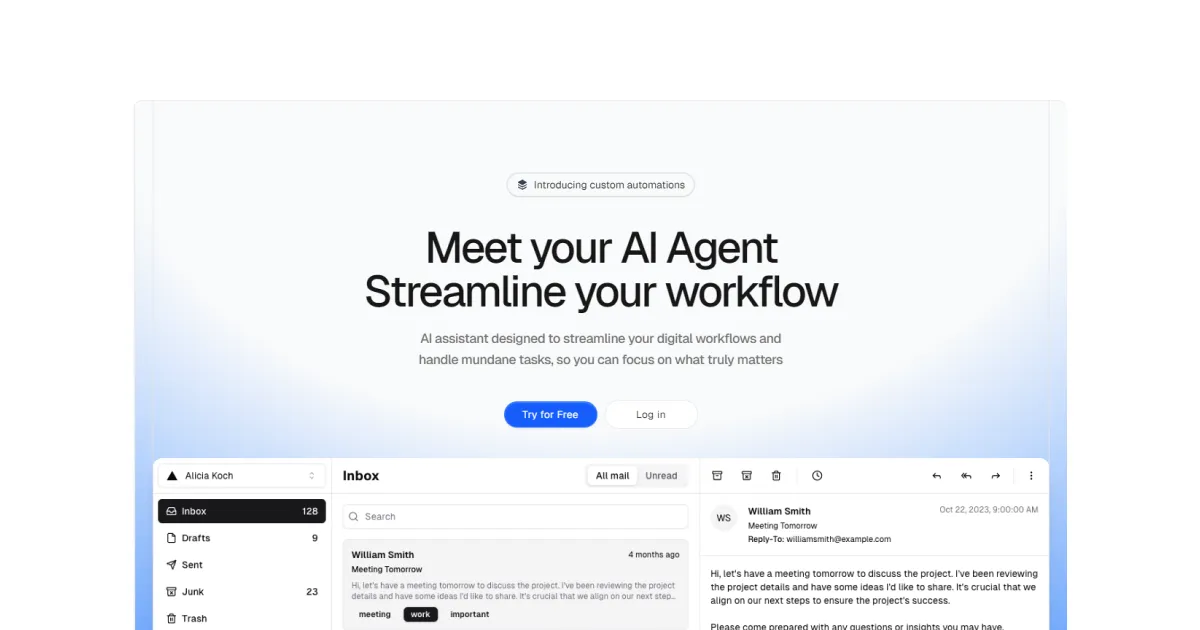
Why it is on this list: Transcribes voice notes, meetings and audio in 1,700 languages.
Speechyou is a web-based AI transcription platform designed to convert audio and video content into searchable text. It distinguishes itself by supporting more than 1,700 languages through a combination of OpenAI's Whisper and a proprietary model called MultiLingual Pro. The tool serves a broad range of users, from meeting-heavy teams to podcasters and researchers, offering both a browser-based voice recorder and an iOS app. While transcription accuracy is generally strong for major languages, lesser-known languages may still exhibit variability typical of current AI speech recognition. Multi-language voice-to-text: Transcriptions support 1,700 languages, with automatic language detection and speaker-separated, timestamped segments for easier navigation. Meeting capture mode: The recorder can pick up both internal microphone input and system audio, making it practical for transcribing calls from Zoom, Microsoft Teams, and Google Meet. AI chat and instant summaries: A built-in AI assistant generates meeting notes, action items, and point-in-time answers from the transcript, reducing manual effort. Export and sharing options: Users can export transcripts as TXT, SRT, VTT, or JSON, and collaborate through team workspaces with granular view or edit permissions. Tagging and full-text search keep archived recordings organized.
Where it beats Descript
- ✓The MultiLingual Pro model enables transcription in 1,700 languages, far exceeding most competitors' language coverage.
- ✓Meeting mode simultaneously records microphone and system audio, simplifying capture of virtual calls in Zoom, Teams, and Meet.
- ✓The integrated Ask AI feature generates summaries, action items, and targeted answers directly from each transcript.
- ✓Exports include TXT, SRT, VTT, and JSON, making it easy to repurpose transcriptions for subtitles or analytics.
Where Descript still wins
- ✕The free plan has a 10 MB upload cap and only TXT export, which may frustrate users with longer recordings.
- ✕The advertised 1,700-language translation capability appears limited to 15+ languages on the entry-level Solo plan, creating ambiguity.
- ✕Audio processing happens in the browser or mobile app, with no obvious dedicated desktop client for offline use.

4. ScreenBuddy
Descript alternative for: Screen recordings that look professional in clicks
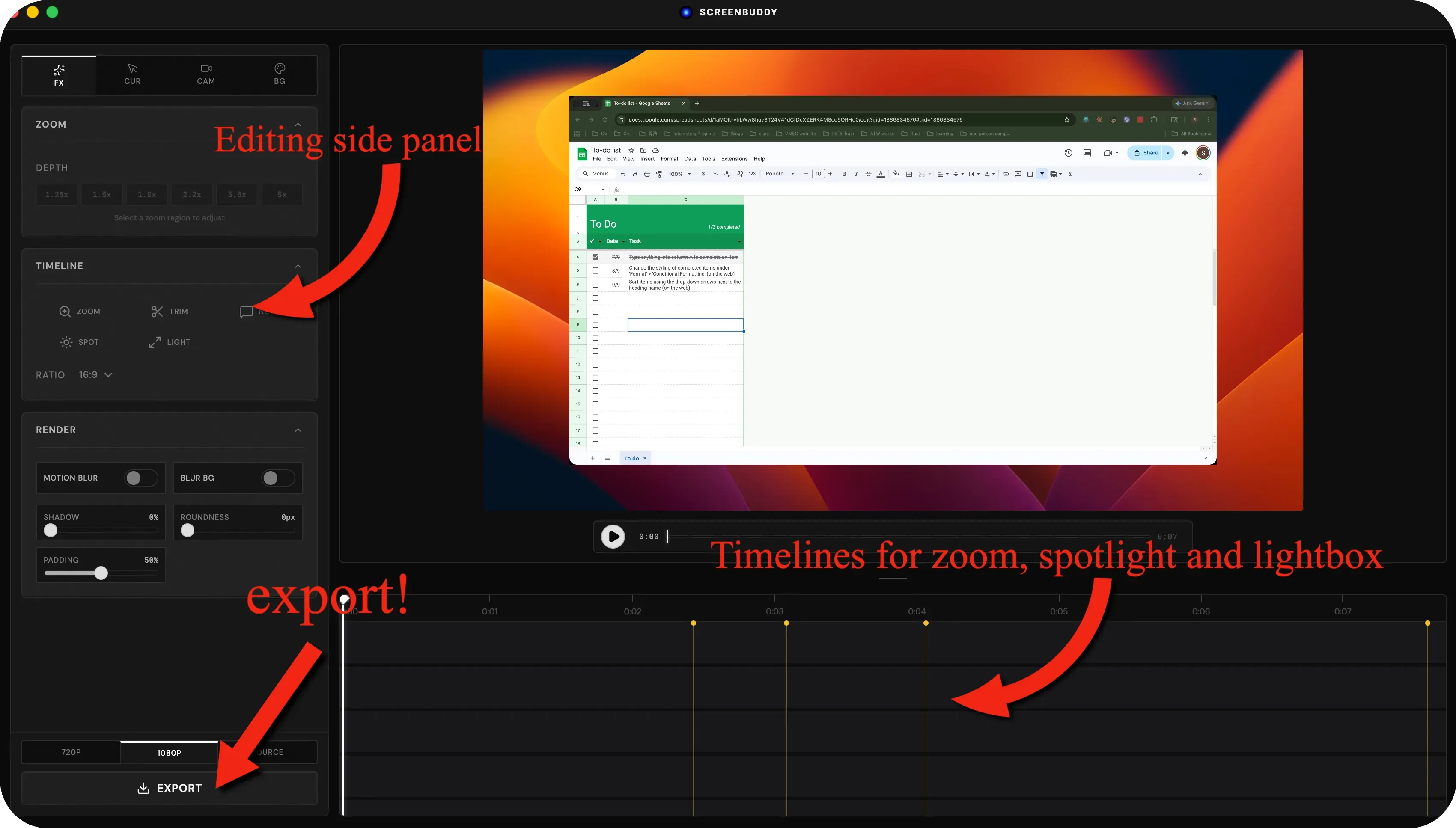
Why it is on this list: Screen recordings that look professional in clicks.
This is not just another screen recording, other than add auto zoom to your cursor, also add spotlight and lightbox to highlight the screen recording contents and bring the "wow" effect to your videos! auto-zoom: the screen recording monitor your cursor location and click events and then automatically add zoom events to hightlight where you clicked. it also add a customizable cursor to highlight where your cursor is. spotlight: this effect highlight a circular area around the cursor and darken the background to let veiwer focus on your curosr interactions lightbox: this effect create a pop-up card of components in the screen recording video editing: it also contains other regular editing features, such as trim, add padding, change background, insert annotations, etc
How do you choose a Descript alternative?
Start from the job you actually hire Descript for. If it is finds your best moments, adds captions, dubs into 20+ languages and cleans audio, Subclip is the closest fit. If it is turns long-form video into branded short clips for social media, BlitzReels is the closest fit. If it is transcribes voice notes, meetings and audio in 1,700 languages, Speechyou is the closest fit. If budget is the reason you are leaving, try Subclip or BlitzReels or Speechyou first — they have a free tier. Every listing above links to a full review with pricing and pros and cons.
More questions about Descript alternatives
What are the best Descript alternatives?›
Subclip, BlitzReels, Speechyou, ScreenBuddy. Each is a live listing on Toolfio with a review, pricing and pros and cons.
Why do people look for Descript alternatives?›
Creators who mainly need clips, captions, dubbing or transcripts look for tools that do that one thing faster.
Is there a free Descript alternative?›
Subclip, BlitzReels, Speechyou have a free plan or free tier.