
6 Canva alternatives worth a look in 2026
Canva is a browser-based design tool for social graphics, presentations and marketing visuals, with a free tier and paid Pro and Teams plans.
People look for alternatives when they need AI-generated visuals rather than templates, want a one-off tool without a subscription, or need a specific output such as OG images, event flyers or charts.
The 6 tools below are live listings on Toolfio, chosen by hand because each one covers a specific part of what Canva does — not because they share a category tag. Every pick comes with the reason it made the list, a screenshot, and what its own listing says about it. 5 of them have a free tier.
Which Canva alternatives are worth trying?
| Tool | Replaces Canva for |
|---|---|
| 1. Playyy AI | Free AI image editor and generator for on-brand marketing visuals from text prompts on an editable canvas. |
| 2. EVENTFLYER.AI | Paste an event URL and get flyers and social designs generated in seconds. |
| 3. Voloshow | AI image and video workspace with generation, editing, background removal and upscaling. |
| 4. Free OG Image Generator | Open Graph and social share images built entirely in the browser, no signup or watermark. |
| 5. Storydoc | AI-generated business presentations, proposals and pitch decks. |
| 6. AECharts | Animated chart maker for presentations and videos. |

1. Playyy AI
Canva alternative for: Free AI image editor and generator for on-brand marketing visuals from text prompts on an editable canvas
Why it is on this list: Free AI image editor and generator for on-brand marketing visuals from text prompts on an editable canvas.
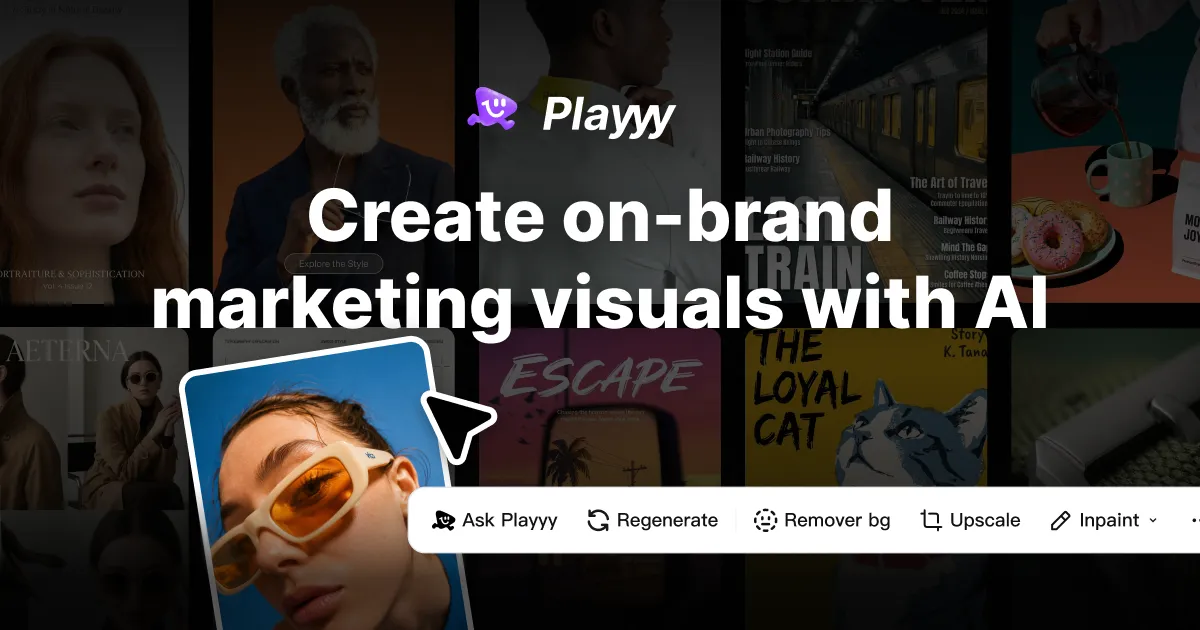
Playyy is a free AI-powered image editor and generator designed for marketers, social media managers, e-commerce professionals, and content creators. It combines text-to-image generation with a fully editable canvas, allowing users to create, edit, and refine visuals in one seamless workflow.
Key Features AI Image Generator: Turn text descriptions into high-quality images instantly. Layer-Aware Editing: Every generated element (images, text, subjects, backgrounds) remains editable after creation. Background Remover: Remove backgrounds from images with a single click. Object Remover: Cleanly erase unwanted objects from photos. Image Upscaler: Enhance image resolution up to 4K with sharper details. Brand Consistency Tools: Apply brand colors, logos, and styles across all assets in a campaign.
Where it beats Canva
- ✓Combines AI image generation with a fully editable canvas for iterative design.
- ✓Offers a free plan with monthly allowances for AI generations and edits.
- ✓Supports multiple AI models including GPT Image and Nano Banana.
- ✓Includes brand consistency tools to apply colors and logos across campaigns.
Where Canva still wins
- ✕Free plan has limited monthly AI generation credits.
- ✕Advanced features like priority speed require a paid subscription.
- ✕Image-to-video feature is listed as 'coming soon' and not yet available.

2. EVENTFLYER.AI
Canva alternative for: Paste an event URL and get flyers and social designs generated in seconds
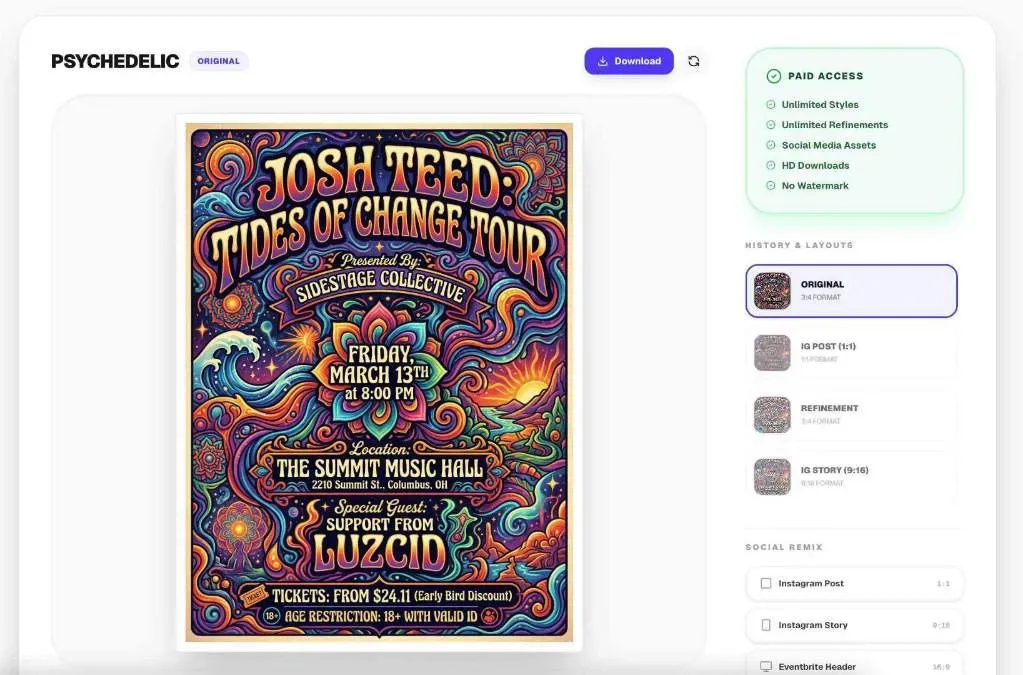
Why it is on this list: Paste an event URL and get flyers and social designs generated in seconds.
EventFlyer.AI is an automated graphic design tool to take event URLs and create print/social media ready flyers in seconds.
How it works: Enter your event URL (works with any event publishing website), choose your design styles (pop art, minimalist, techno, rock concert corporate, etc), and in in about 30 seconds your unique poster will pop out.
What sets us apart: Unlike generic template tools, Event Flyer AI features "Intelligent Social Remixing." Once your main design is ready, our AI reflows the elements perfectly for Instagram Stories (9:16), square posts (1:1), and website banners (16:9)—maintaining 100% brand consistency across every platform with zero manual effort.

3. Voloshow
Canva alternative for: AI image and video workspace with generation, editing, background removal and upscaling
Why it is on this list: AI image and video workspace with generation, editing, background removal and upscaling.
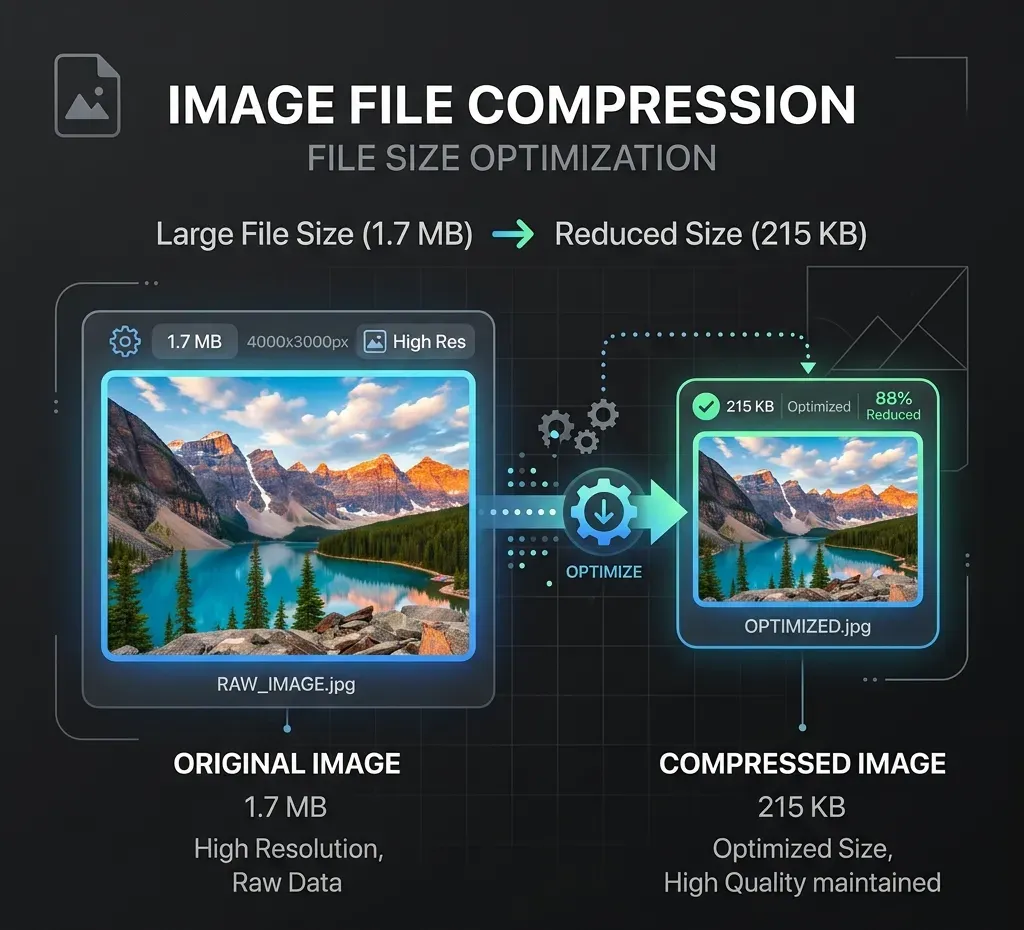
Voloshow brings together AI generation and practical image tools in one workspace: AI Image Generator - Create original images from text prompts for concepts, campaigns, product shots, posters, social visuals, and creative drafts. Image-to-Image Workflows - Upload a reference image and guide edits, variations, transformations, or creative reinterpretations with prompts. Image Tools Hub - Continue from any uploaded or generated image with focused editing utilities. Background Remover - Remove image backgrounds for clean subject extraction and transparent assets. Transparent Background - Prepare cutout-style PNG assets for design, product graphics, and compositing. White Background - Create clean white-background visuals for ecommerce listings and marketplace-style packshots. AI Background Generator - Place subjects into styled scenes such as studio, desk, lifestyle, seasonal, luxury, or outdoor environments. Image Upscaler / Enhancer - Improve resolution and perceived quality for finished assets. Image Resizer - Export images for common web, social, ecommerce, and campaign sizes. Image Compressor - Reduce file size for publishing, upload limits, and site performance. Image Converter - Convert between formats such as PNG, JPG, and WebP. Image to Video - Turn still visuals into motion-oriented creative assets with video workflows.
4. Free OG Image Generator
Canva alternative for: Open Graph and social share images built entirely in the browser, no signup or watermark
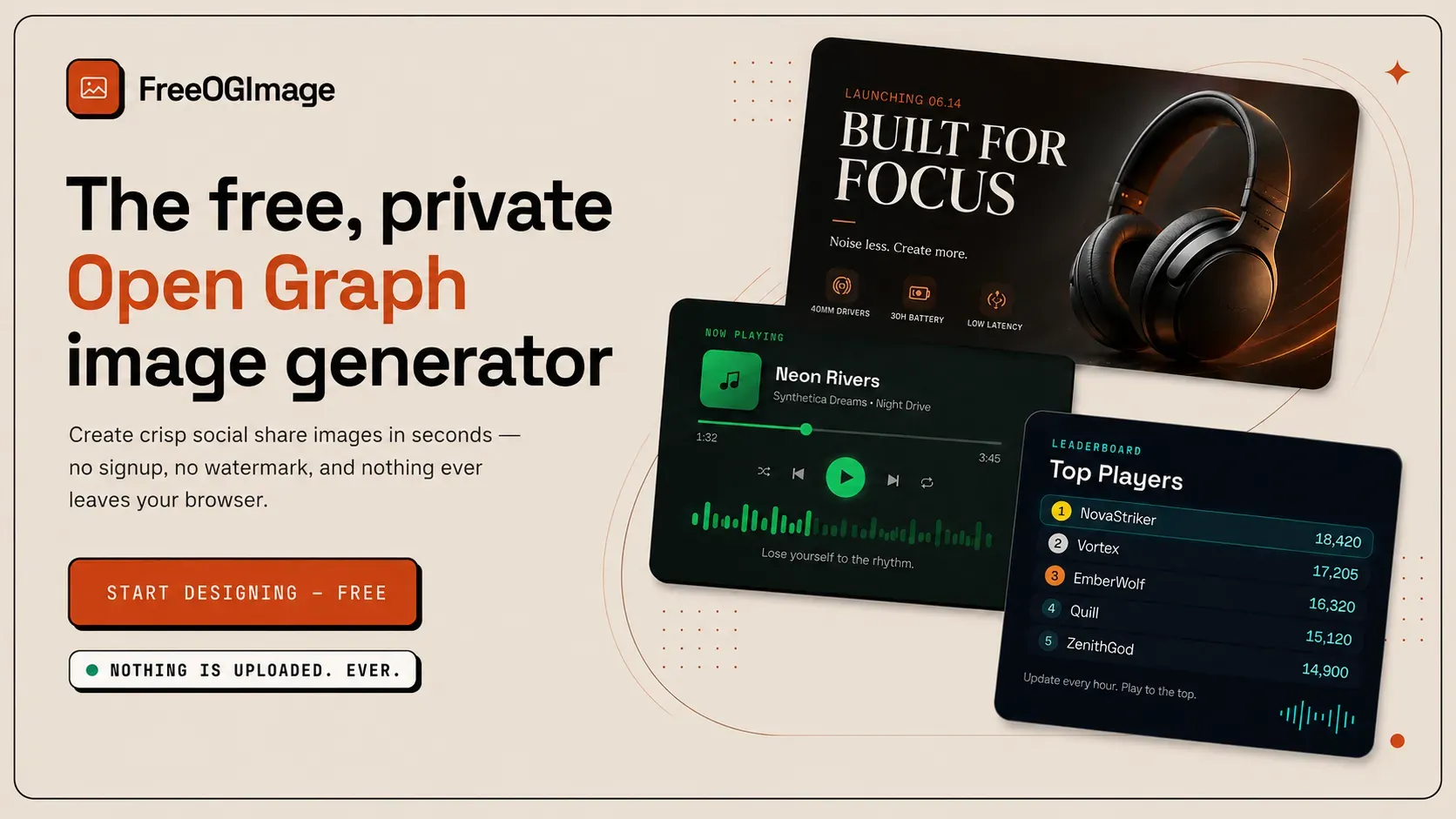
Why it is on this list: Open Graph and social share images built entirely in the browser, no signup or watermark.
The platform offers a diverse collection of over 200 designer-made templates spanning product, developer, social, editorial, event, and other categories. Users can customize text, colors, logos, and layouts through an intuitive editor, and then export pixel-exact PNGs at 2x resolution for any platform.
Where it beats Canva
- ✓Completely free with no signup or watermark extraction.
- ✓Privacy-first architecture: all rendering happens in-browser, no server uploads.
- ✓Over 200 designer-made templates across many categories.
- ✓Supports pixel-perfect exports at 2x for OG, Twitter, LinkedIn, Facebook, and Square.
Where Canva still wins
- ✕No cloud sync or multi-device capability: projects are stored only in local browser storage.
- ✕Advanced users might find template customization limited compared to full-featured design tools.
- ✕Only static image export; no animation or video formats.
5. Storydoc
Canva alternative for: AI-generated business presentations, proposals and pitch decks
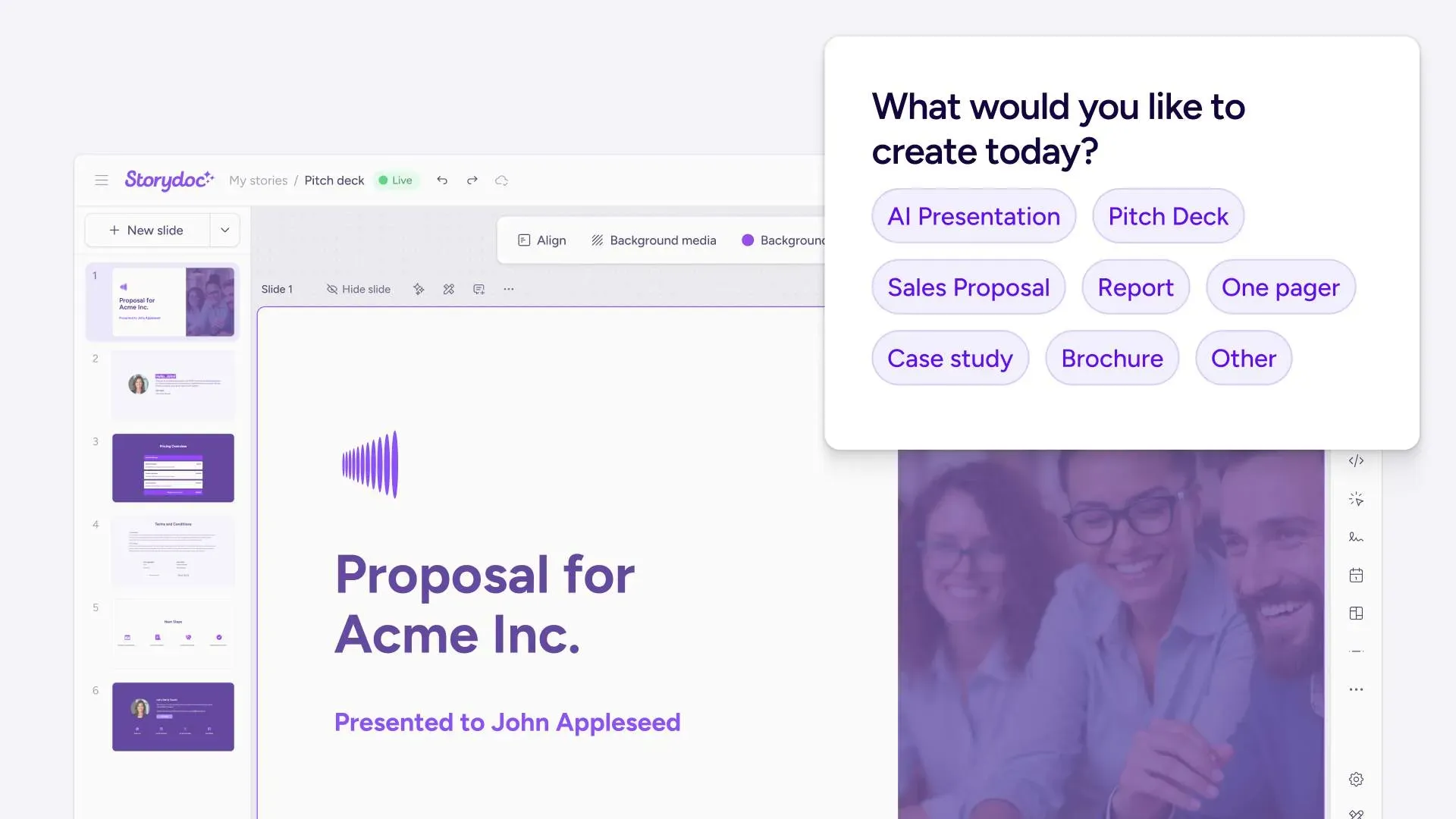
Why it is on this list: AI-generated business presentations, proposals and pitch decks.
Storydoc is an AI platform that automates the creation of business presentations and documents, such as proposals, pitch decks, and more. It is an alternative to static files through interactive storytelling built for decision-makers. Sales and marketing teams can embed forms, videos, calendars, and contracts directly into their collateral, turning passive reads into actionable moments. Instead of rebuilding documents from scratch for every lead or deal stage, Storydoc centralizes collateral creation, personalization, and engagement tracking in a single workflow. Connectors via Zapier and Make allow teams to pull live data and personalize at scale. Data security is covered through ISO 27001 compliance, GDPR adherence, and secure SSO authentication.

6. AECharts
Canva alternative for: Animated chart maker for presentations and videos
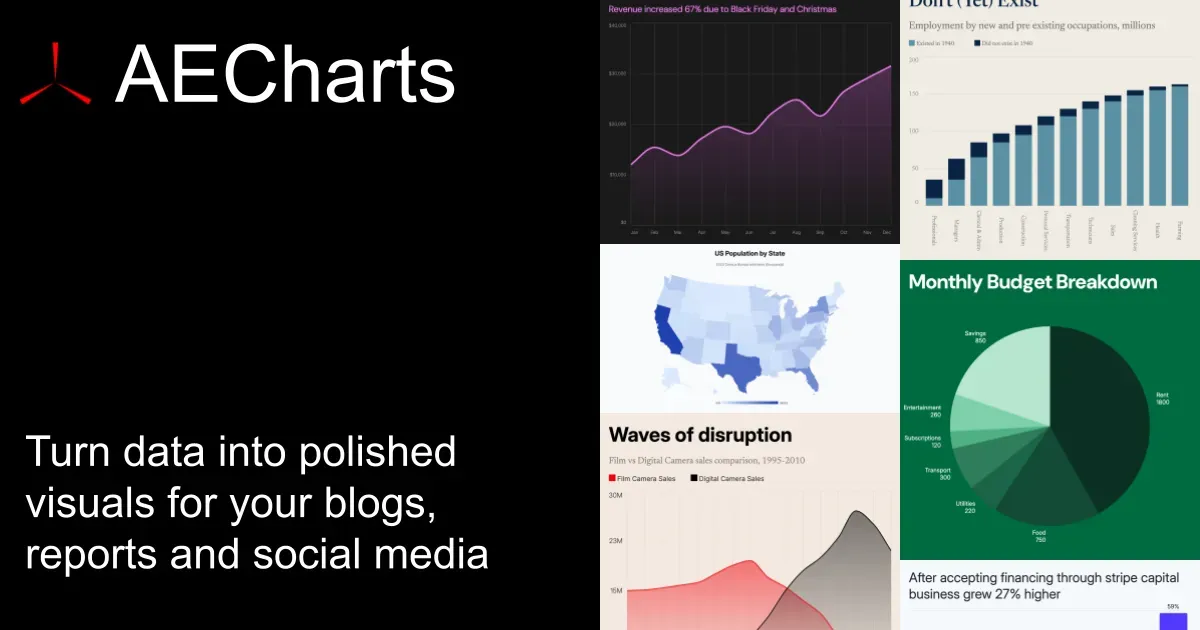
Why it is on this list: Animated chart maker for presentations and videos.
AECharts is a browser-based tool for creating animated chart videos — no design skills, no software installs, no video editing experience required. Upload a spreadsheet, paste your data, or connect a Google Sheet, and AECharts turns it into a polished animated video in minutes. Choose from bar charts, line charts, pie charts, bar chart races, and more. Every chart comes with professional templates you can customize: change colors, fonts, sizing, and branding to match your style.
When you're ready, export as MP4 and share anywhere — YouTube, LinkedIn, Instagram Reels, TikTok, presentations, newsletters, or pitch decks. Animated charts consistently outperform static images for engagement, and AECharts makes them as easy to produce as a screenshot.
Built for marketers, journalists, researchers, and founders who need to communicate data clearly and memo
How do you choose a Canva alternative?
Start from the job you actually hire Canva for. If it is free AI image editor and generator for on-brand marketing visuals from text prompts on an editable canvas, Playyy AI is the closest fit. If it is paste an event URL and get flyers and social designs generated in seconds, EVENTFLYER.AI is the closest fit. If it is aI image and video workspace with generation, editing, background removal and upscaling, Voloshow is the closest fit. If budget is the reason you are leaving, try Playyy AI or EVENTFLYER.AI or Voloshow or Free OG Image Generator or AECharts first — they have a free tier. Every listing above links to a full review with pricing and pros and cons.
More questions about Canva alternatives
What are the best Canva alternatives?›
Playyy AI, EVENTFLYER.AI, Voloshow, Free OG Image Generator, Storydoc, AECharts. Each is a live listing on Toolfio with a review, pricing and pros and cons.
Why do people look for Canva alternatives?›
People look for alternatives when they need AI-generated visuals rather than templates, want a one-off tool without a subscription, or need a specific output such as OG images, event flyers or charts.
Is there a free Canva alternative?›
Playyy AI, EVENTFLYER.AI, Voloshow, Free OG Image Generator, AECharts have a free plan or free tier.