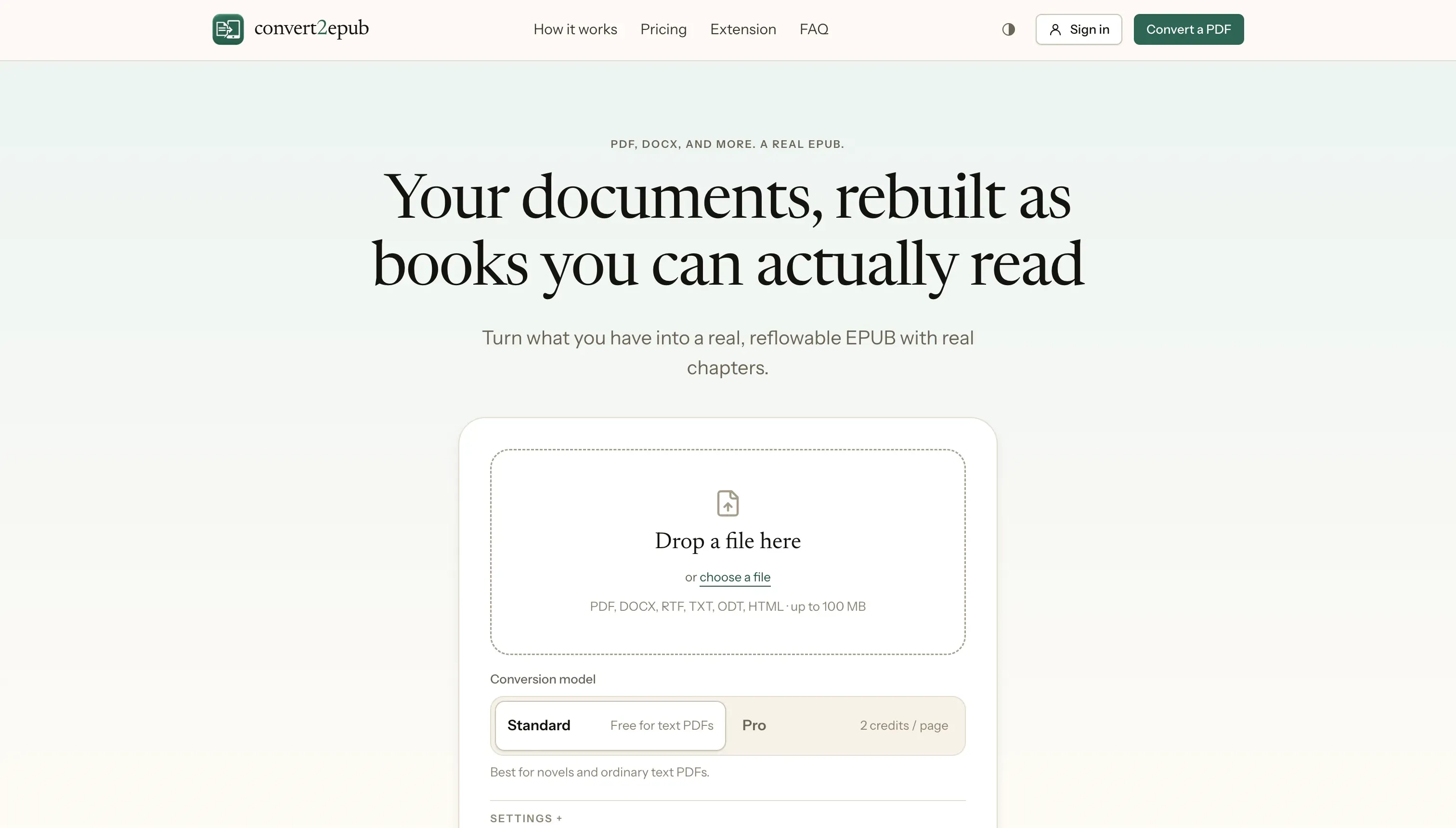
Convert2EPUB turns PDFs, Word documents, RTF, plain text, and HTML files into reflowable EPUB ebooks with real chapters and a working table of contents. Free, no account needed.

Sponsored
CoveragePush.com
Get featured on 500+ high-authority publications. Boost your brand visibility and domain authority.

Sponsored
Testimly.com
Send one link to your customers. Get video and text reviews on autopilot.

Sponsored
supastarter.dev
The Next.js boilerplate to build production-ready SaaS apps fast.
Submit your website to get discovered by thousands of potential customers and boost your SEO.
Get ListedA PDF is built for a printed page: fixed margins, a fixed font size, and no idea what a chapter is. An e-reader wants the opposite, text that reflows to whatever screen and font size you're using. Convert2EPUB bridges that gap. Drop in a PDF, Word document, RTF, plain text, OpenDocument, or HTML file, and it comes back as a real, reflowable EPUB, with automatically detected chapters and a working table of contents, sized for Kindle, Kobo, Apple Books, or any other e-reader.
Most converters take one of two shortcuts: wrap every page as an image, so nothing reflows, or extract raw text with no structure, so nothing has chapters. Convert2EPUB reads the document's own structure first. Headings become chapters, repeated headers and footers are stripped out, footnotes stay clickable, and figures stay next to their captions. For a scanned PDF with no text at all, it can run OCR to recover it. For a technical PDF full of formulas, tables, and code, an optional Pro mode reconstructs the layout instead of flattening it into a picture.
Converting an ordinary document, PDF, DOCX, RTF, TXT, ODT, or HTML, is free, with no account and no page limit, right in the browser. Heavier PDF work like OCR or Pro recognition uses either a small pay-per-page option with no sign-up, or a prepaid credit balance for regular use. A free Chrome extension is also available, for saving the pages you're reading as one EPUB book as you browse.
Key features